
Governance for Microsoft Teams and SharePoint
Companies with many Microsoft Teams for project and team collaboration use Seamless to streamline collaboration processes with clear governance and lifecycle automation. Secure, scalable, and ready from day one.
What this means for for your organisation:

„With over 10,000 Teams in a Microsoft 365 tenant, projects vanish like tiny fishing boats in the vast ocean - without clear structure, chaos takes over!”
Diego Santurbano, IT-Project Manager

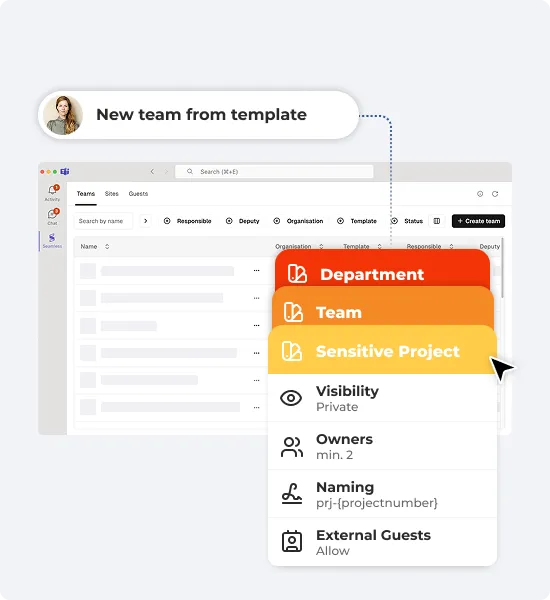
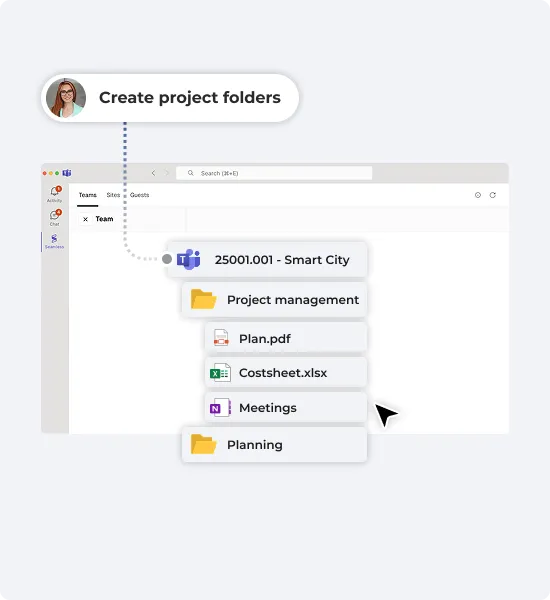
Provide project templates for Microsoft Teams with structured folders, and ready-to-use document templates, and built-in security. Enable seamless collaboration with custom channels, guest access settings, OneNote templates, and Plans to keep tasks on track—all in a streamlined workflow.
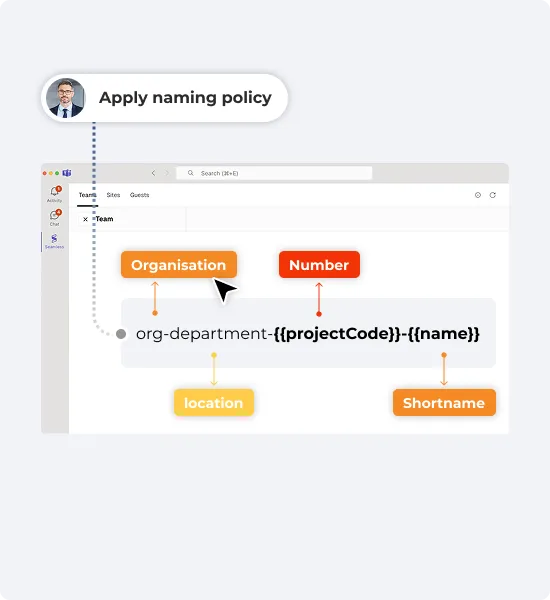
Apply naming policies to control the display name and mail nickname of your Teams and SharePoint sites. This ensures better structure, improves findability, and simplifies management - especially when dealing with many workspaces.
Ensure consistency with IT-approved templates that simplify and standardize the creation of Microsoft Teams and SharePoint sites. Stay aligned with your organization’s guidelines and processes.
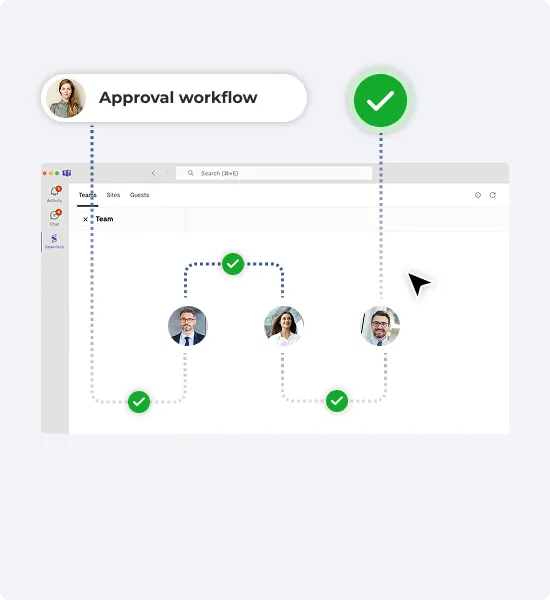
Use approval workflows to prevent workspace sprawl and ensure Teams, sites, and guest access are created intentionally and governed from the start.
„Engineering excellence relies on precise, well-defined processes. With Seamless, we apply these principles to our collaboration approval and provisioning process.”
Christoph Rothlin, CIO Helbling Holding AG

Define default channels, folder structures, and document templates to ensure consistent project work across Teams and SharePoint - making collaboration more efficient and structured.
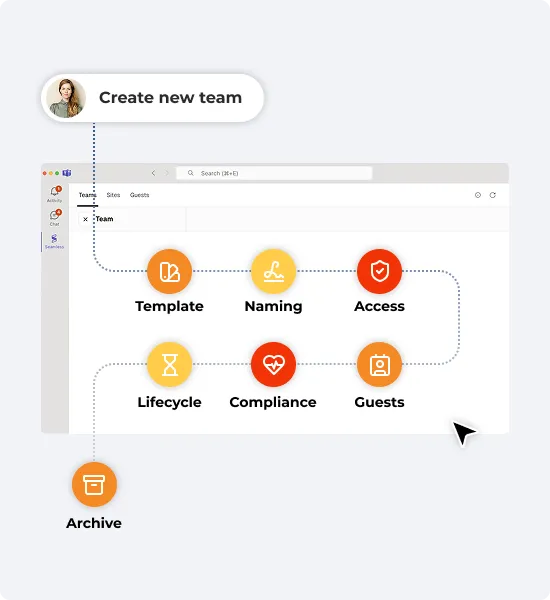
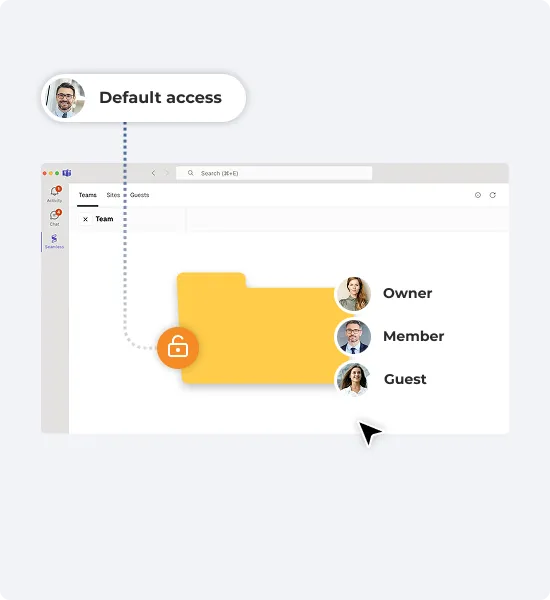
Standardize permissions across Microsoft Teams and SharePoint to control data access based on Microsoft 365 Groups and SharePoint membership. This simplifies access management and ensures consistent, predictable permissions.
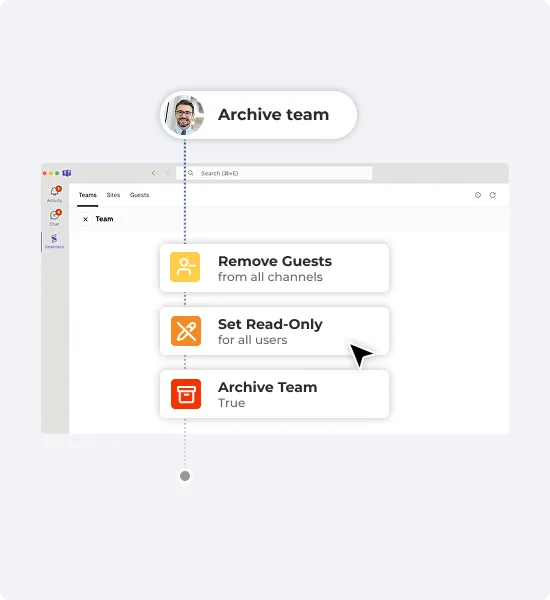
Choose the automated actions to perform if a team is no longer used. Boost productivity by reducing clutter while ensuring compliance & data retention.
„Seamless convinced instantly!”
Res Niemeyer, Team lead IT


Seamless empowers IT Administrators to effortlessly manage Microsoft 365 by automating governance and lifecycle policies for Teams and guests. It streamlines user self-service, minimizes errors, and drastically reduces administrative workload.
Benefits:
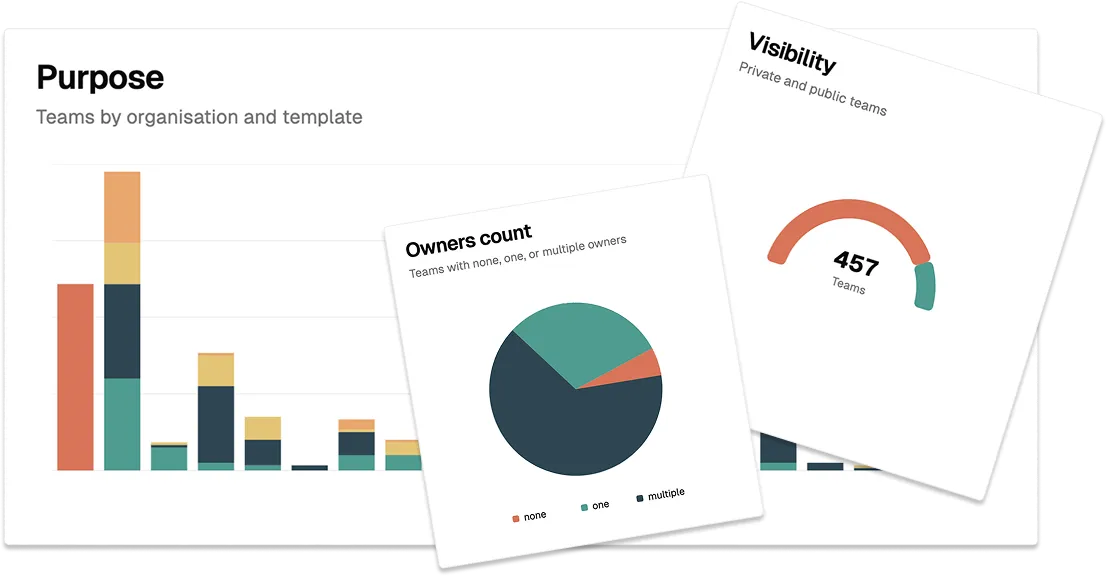
Seamless is available to all Microsoft 365 tenants, making it easy for IT Administrators to get started. Log in to the Seamless Admin Center for an instant overview of your governance status and get started effortlessly.
Test all Seamless features for 30 days for free.