
1
Teams & SharePoint Templates Define your template
Create templates for workspaces with rules for security, compliance, permissions and naming conventions.
Governance for Microsoft 365
Automate governance and lifecycle for Teams, SharePoint, Copilot and external guests, and bring order and structure to collaboration.

In Microsoft 365, a template only applies when a workspace is created. With Seamless, it stays the standard: changes are detected, reset and rolled out, across thousands of workspaces.

Your template sets the standard
for every team, across its entire lifecycle
Create templates for workspaces with rules for security, compliance, permissions and naming conventions.
Seamless compares every workspace with its template in real time and makes deviations visible instantly.
Fix deviations in a few clicks and reset thousands of workspaces to their template at once, without any scripts.
Change templates centrally and roll out updates to existing workspaces with a single click.
Feature overview
All features for Microsoft Teams, SharePoint and external guests in one place. Filter by feature area, need, role or licence.
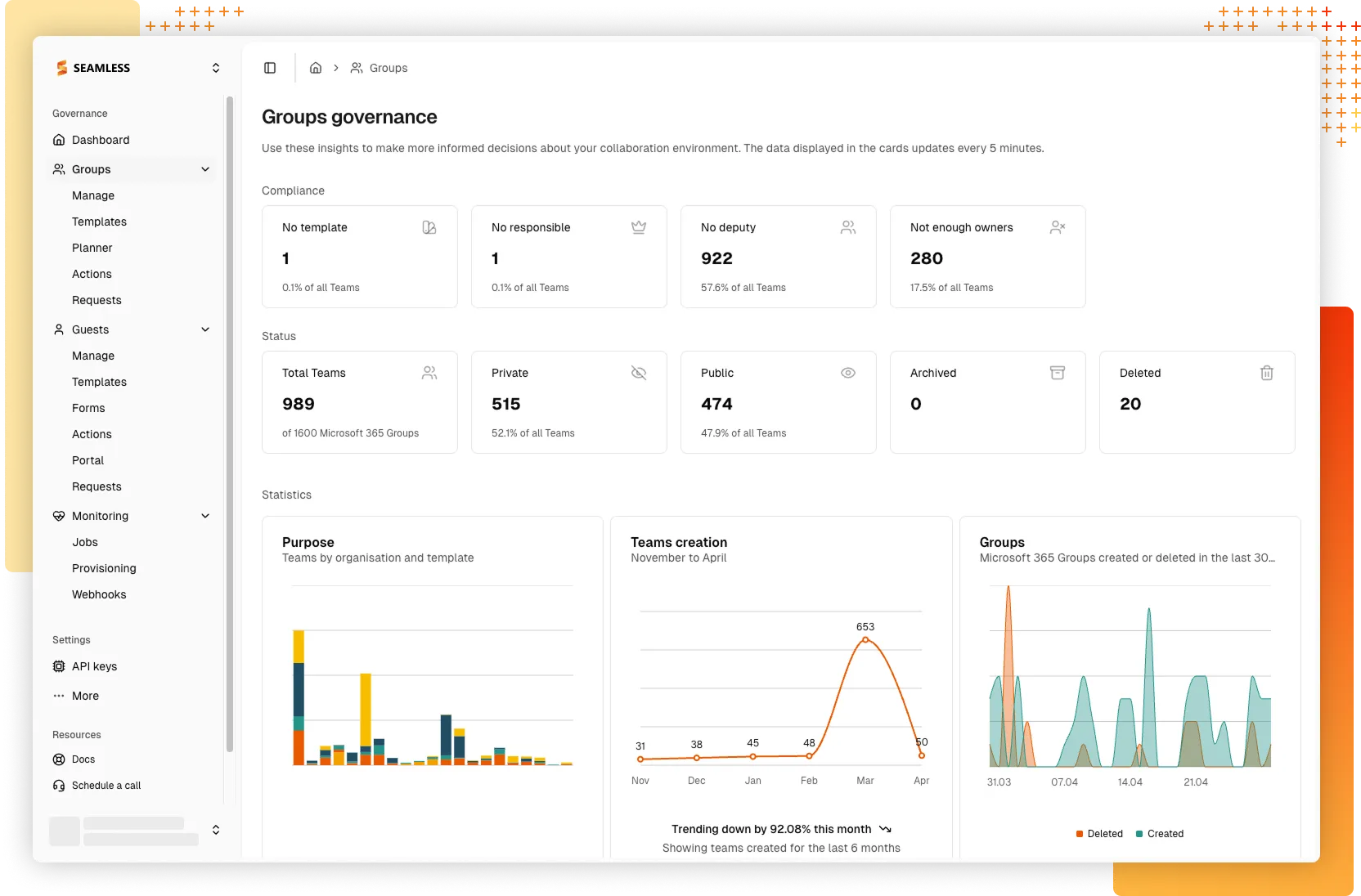
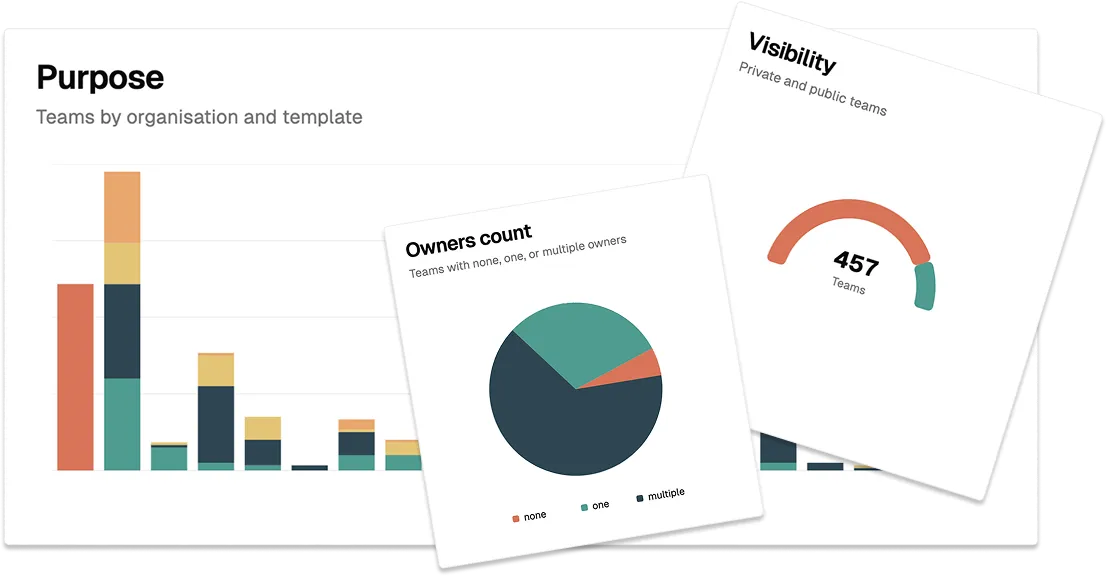
See at a glance which Teams are active, where policies are not being followed, and how your Microsoft 365 environment is evolving.
„In just two years with Microsoft Teams, our tenant has welcomed over 1’600 guests. Thanks to Seamless, identifying and removing inactive guests is a breeze!”

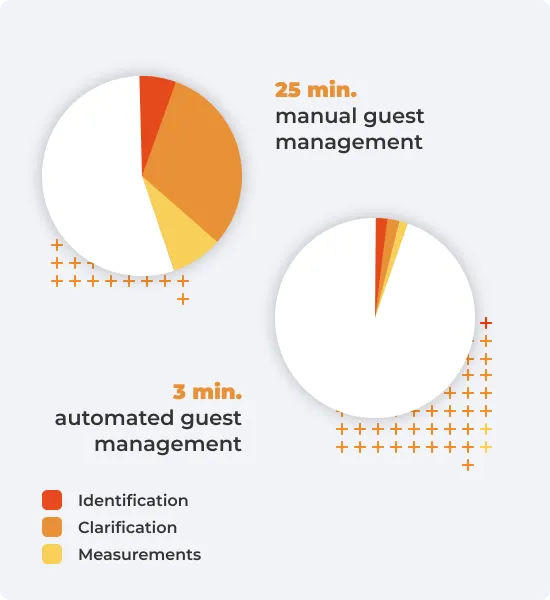
Without automated guest governance, administrators struggle to identify valid and non-compliant guest access. Seamless automates guest governance and transfers guest responsibilities to your Microsoft Teams users.
Teams users independently invite and oversee guests throughout collaborations, while your company’s governance is automatically enforced for all directory guests.
Administrators configure individual invitation flows that enforce the requirements that need to be fulfilled when Teams users invite guests for collaboration and give access to Teams.
Each guest is assigned to a sponsor. This ensures that the point of contact is always known, making communications and processes straightforward.
Regular renewals ensure that guests are automatically blocked or removed if access is not renewed by the sponsor.
„With over 800 regularly changing officials, we rely on Seamless to automate our guest governance and to keep track of who, why, and where in Microsoft Teams access is granted.”

After collaboration ends, guest access can linger, increasing the risk of accidental data sharing. Seamless mitigates this risk with the following features:
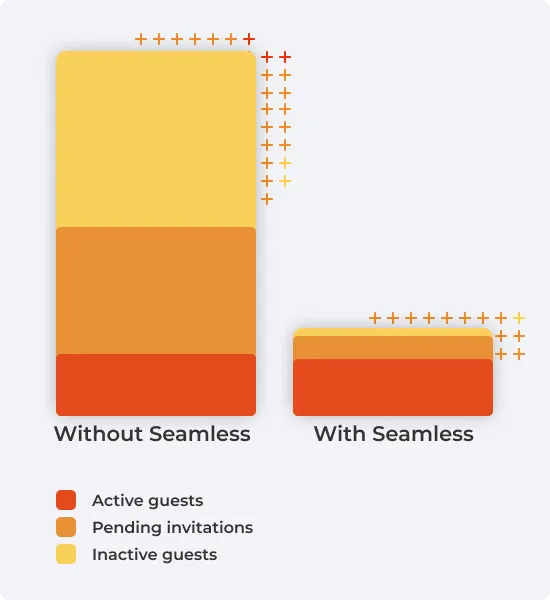
Administrators can see all guests and their status at a glance. Invalid, orphaned, or inactive guests, and their access, are cleaned up in no time.
Establish naming policies to maintain order in your Microsoft Entra ID. This simplifies administrative tasks and clarifies differentiation between internal identities and guests.
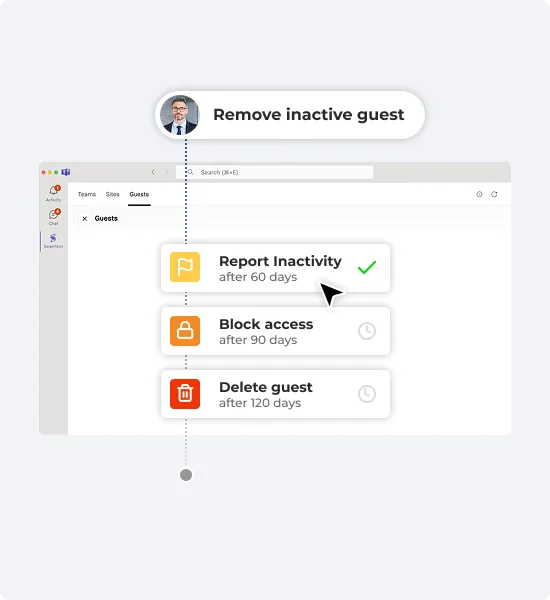
Daily compliance checks automatically report, block, or delete guests that are outdated, inactive, or do not meet your security and data compliance requirements.
„With over 10,000 Teams in a Microsoft 365 tenant, projects vanish like tiny fishing boats in the vast ocean - without clear structure, chaos takes over!”

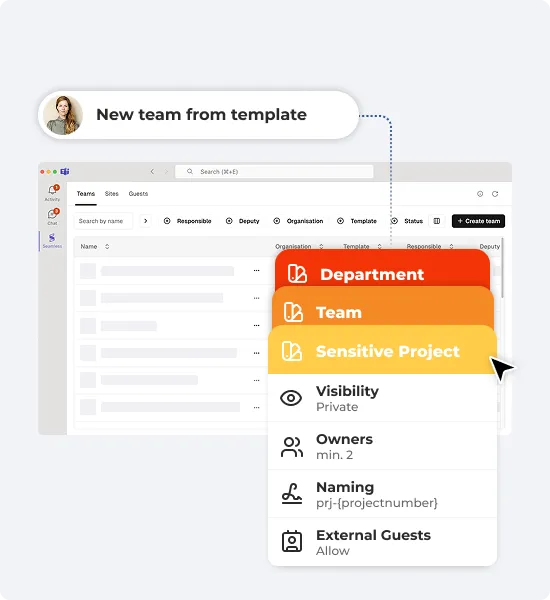
Define IT-approved Teams templates with security settings, channels, folders, documents, tasks, OneNote and more for a streamlined collaboration process.
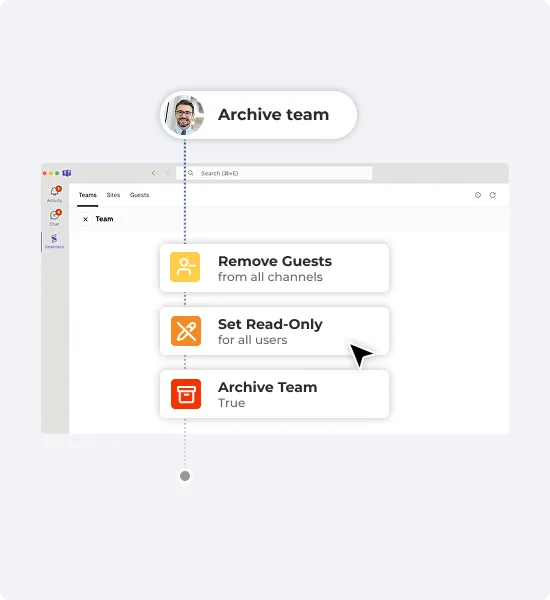
Choose the automated actions to perform if a team is no longer used. Boost productivity by reducing clutter while ensuring compliance & data retention.
Set up recurring compliance checks to report, block, or remove inactive or non-compliant guests, ensuring security and data compliance automatically.
„We do not allow contractors and visitors permanent access to our offices. So why do we still grant guests permanent access to data in Microsoft Teams?”

Seamless is available to all Microsoft 365 tenants, making it easy for IT Administrators to get started. Log in to the Seamless Admin Center for an instant overview of your governance status and get started effortlessly.
„One Microsoft team for all projects seems convenient, but poses collaboration risks. Seamless helps us enforce our project processes, structures, security, and efficiency.”


Seamless empowers IT Administrators to effortlessly manage Microsoft 365 by automating governance and lifecycle policies for Teams and guests. It streamlines user self-service, minimizes errors, and drastically reduces administrative workload.
Benefits:
Test all Seamless features for 30 days for free.
Get started in minutes
No credit card required