
Governance for Project Organizations
Seamless helps engineering, planning, and construction companies structure and manage projects in Microsoft Teams in a consistent and efficient way – from project start to project completion.
Benefits for project organizations:

„With over 10,000 Teams in a Microsoft 365 tenant, projects vanish like tiny fishing boats in the vast ocean - without clear structure, chaos takes over!”
Diego Santurbano, IT-Project Manager

Provide project templates for Microsoft Teams with structured folders, and ready-to-use document templates, and built-in security. Enable seamless collaboration with custom channels, guest access settings, OneNote templates, and Plans to keep tasks on track - all in a streamlined workflow.
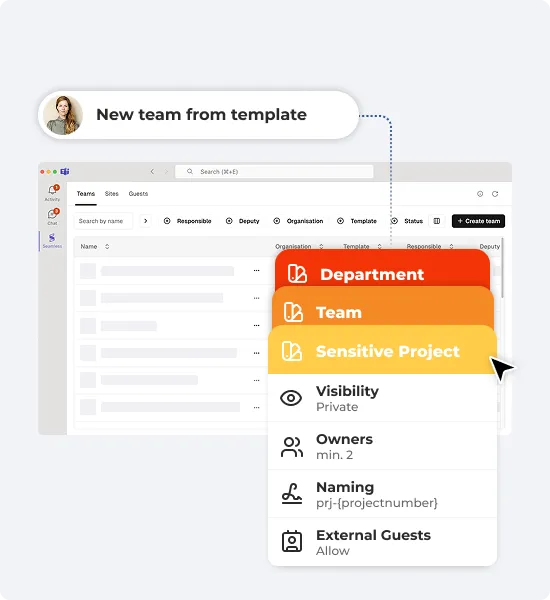
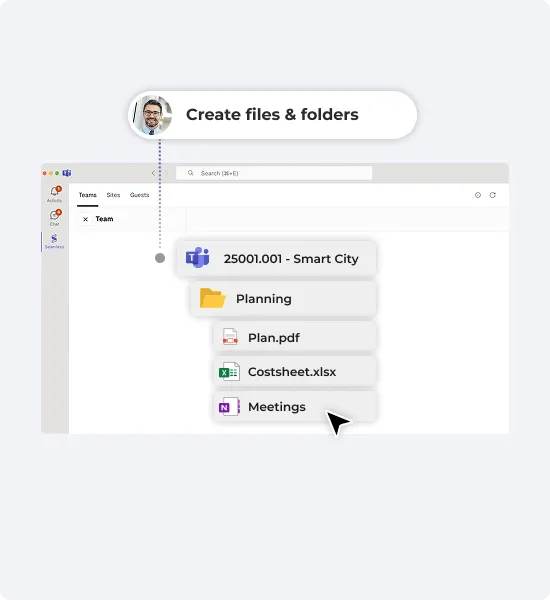
Kickstart projects faster with standardized workflows. Keep everything organized with structured channels, folders, and ready-to-use templates. Ensure your team stays aligned with consistent project standards.
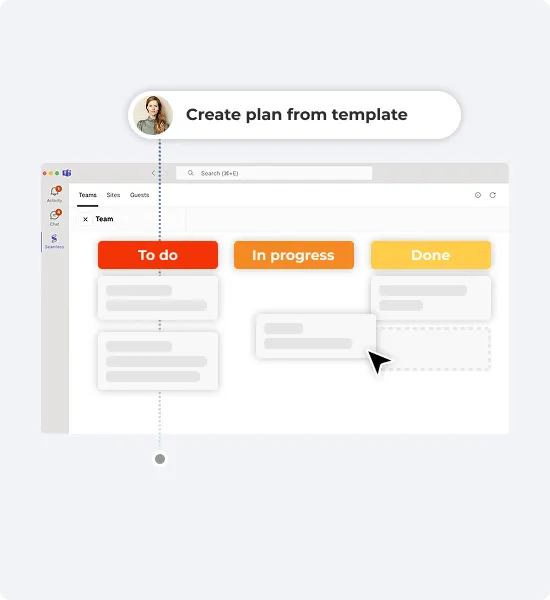
Eliminate process friction, ensure compliance, and meet regulatory requirements effortlessly with predefined task templates for different project types.
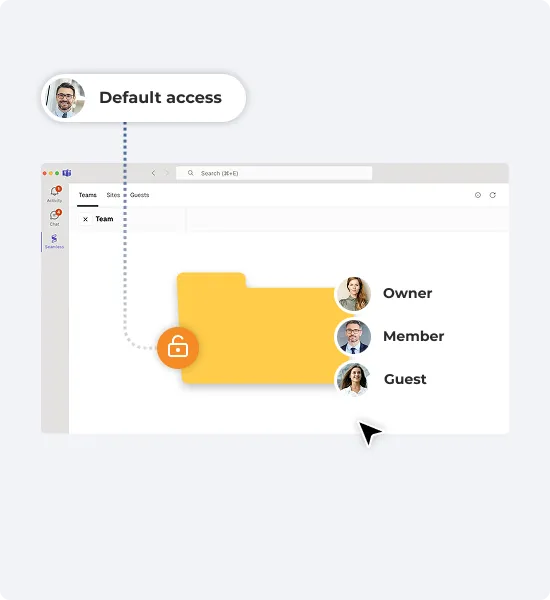
Standardize permissions across Microsoft Teams and SharePoint to control data access based on Microsoft 365 Groups and SharePoint membership. This simplifies access management and ensures consistent, predictable permissions.
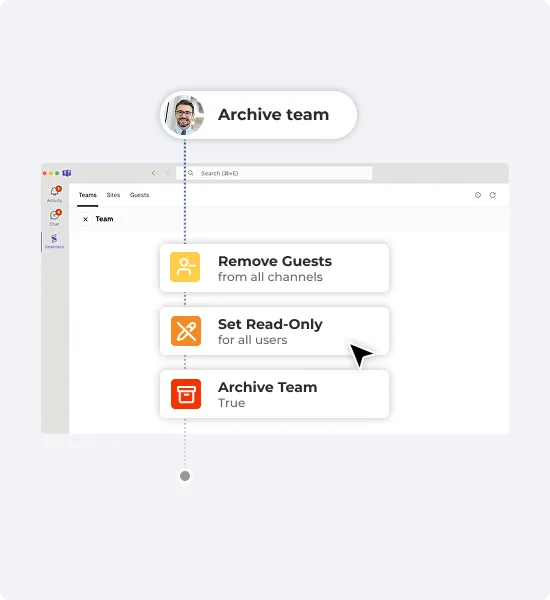
Choose the automated actions to perform if a team is no longer used. Boost productivity by reducing clutter while ensuring compliance & data retention.
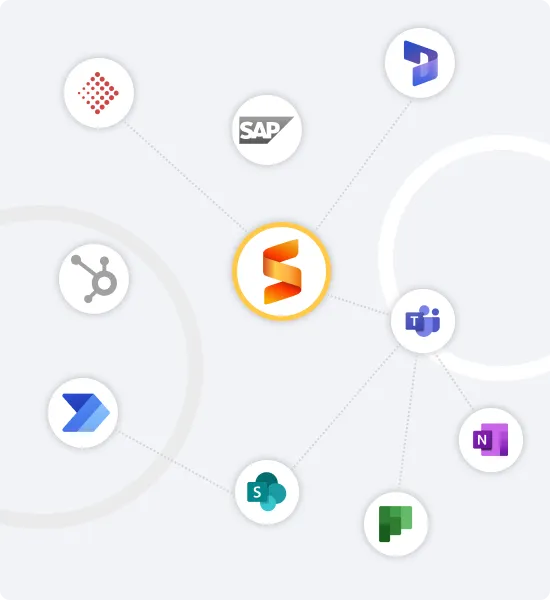
Connect Seamless with Abacus, Dynamics, Volta, SAP, HubSpot, or your custom industry solution to create and update project information directly from your existing software.
Benefits:
„One Microsoft team for all projects seems convenient, but poses collaboration risks. Seamless helps us enforce our project processes, structures, security, and efficiency.”
Res Niemeyer, Team lead IT


Seamless empowers IT Administrators to effortlessly manage Microsoft 365 by automating governance and lifecycle policies for Teams and guests. It streamlines user self-service, minimizes errors, and drastically reduces administrative workload.
Benefits:
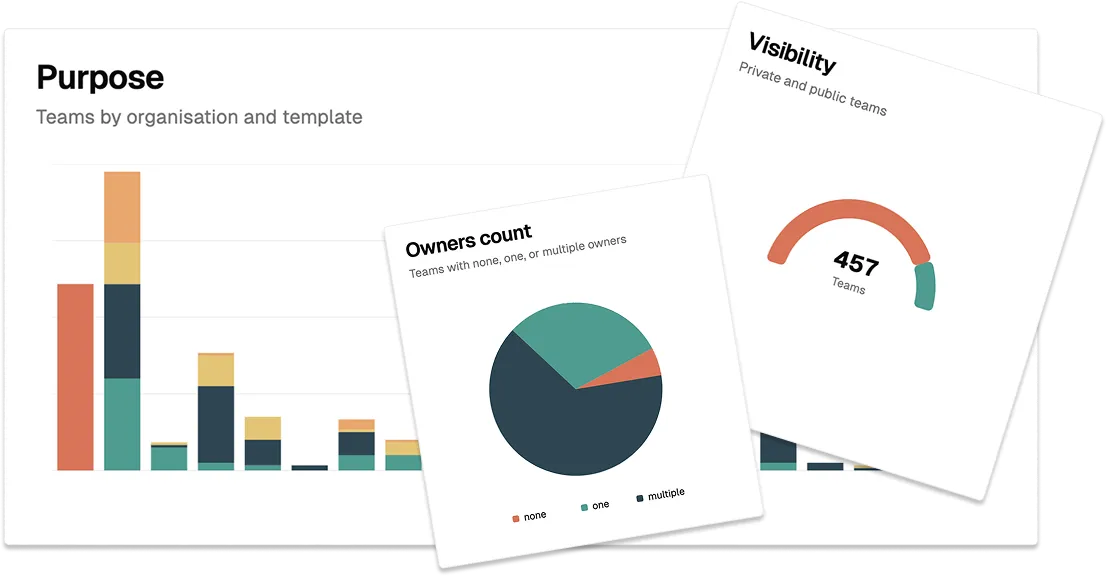
Seamless is available to all Microsoft 365 tenants, making it easy for IT Administrators to get started. Log in to the Seamless Admin Center for an instant overview of your governance status and get started effortlessly.
Test all Seamless features for 30 days for free.